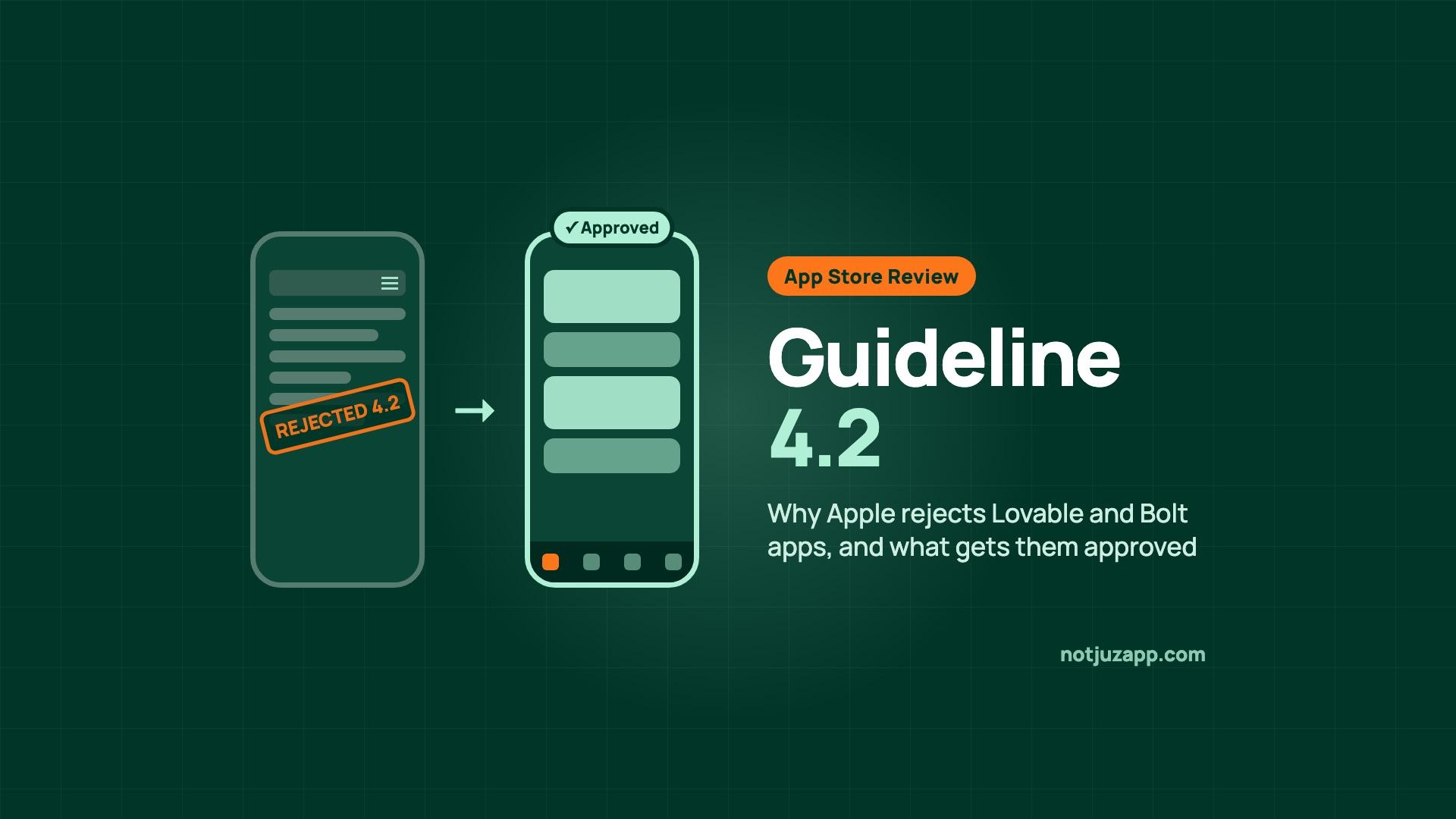
Apple rejects most Lovable, Bolt and Replit apps under App Store Review Guideline 4.2, Minimum Functionality, because these tools build web apps. Wrapped in Capacitor or a WebView, the app looks to a reviewer like the website in a shell. Approval needs phone-only features, native navigation and offline handling, not a new splash screen.
We have shipped iOS apps since 2013 and run App Store releases for client apps such as What Can I Sing. In one week of November, three founders in our LinkedIn feed posted about App Store review trouble with apps like these. Here is what the reviewer is looking at, and what we change before resubmitting.
What does Guideline 4.2 actually say?
Guideline 4.2 says an app must offer more than a website. Apple's wording is that your app should include features, content and UI that "elevate it beyond a repackaged website", and that an app which isn't "app-like" doesn't belong on the App Store.
Two related rules come up with AI-built apps:
- 4.2.2: apps shouldn't primarily be marketing material, web clippings, content aggregators or a collection of links.
- 4.2.6: apps made from a commercial template or app generation service are rejected unless the content provider submits them. Submitting through a converter's account instead of your own developer account can trigger this.
Read the current text on Apple's App Store Review Guidelines. The rejection message in App Store Connect names the exact guideline, so start there.
Why do Lovable, Bolt and Replit apps hit it?
Because they produce websites. Lovable and Bolt generate React web apps (usually Vite, Supabase and Tailwind), and Replit apps are typically web apps too. To reach the App Store, that site is put inside a native shell: Capacitor, a plain WebView, or a converter service such as Median.
The shell is not the problem. Apple accepts many apps built with Capacitor and WebViews. The problem is that the shell adds nothing. A reviewer opens the app, sees the same pages they'd see in Safari, and the notes come back saying the app isn't sufficiently different from a mobile browsing experience.
What makes a reviewer think "this is a website"?
Usually a handful of visible tells, which you can check yourself in five minutes on a real iPhone:
| What the reviewer sees | Why it reads as a website | What we change |
|---|---|---|
| A hamburger menu, site header and footer | It is the website's navigation | A native tab bar or navigation stack, swipe-back gestures |
| A white screen or browser error in airplane mode | Nothing is stored on the device | An offline screen, cached data and a retry |
| Links that open pages inside the app, pinch-zoom, text selection everywhere | It behaves like Safari | Disable page zoom, open outside links in Safari, native screens for key flows |
| "Download our app" banners, cookie banners, a "Made with" badge | Leftovers from the web build | Remove them from the app build |
| Nothing that uses the phone | The app has no reason to be installed | Push notifications, camera, biometrics, share sheet or widgets that serve the core task |
What gets an app approved after a 4.2 rejection?
A clear answer to "why is this an app?", built into the core flow. Bolted-on features rarely pass: reviewers reject apps where the only native code is a location prompt or a share button.
- Pick one or two phone-first features your users actually need. Push notifications for something time-sensitive (a booking, a reply, a delivery), the camera for scanning or uploads, Face ID for quick sign-in, offline access to the user's own data, or a home-screen widget.
- Make navigation native. A tab bar for the main sections, native back behaviour, and no web header inside the app.
- Handle bad connections. Every screen needs a loading state and an offline state, never a blank page.
- Fix the sign-in rules at the same time. If you offer Google or another social login, Guideline 4.8 also requires an equivalent privacy-focused option, which in practice means Sign in with Apple. If users can create accounts, they must be able to delete them inside the app.
- Give the reviewer what they need. A working demo account, notes that list the native features and where to find them, and a reply in App Store Connect that explains what changed.
- Submit from your own developer account. The app, the certificates and the listing should belong to your company, not to a converter or a freelancer.
Wrapper, hybrid or rebuild: which route is right?
It depends on how much of the app needs to feel native. We usually choose between three routes:
| Route | Fits when | Trade-off |
|---|---|---|
| Keep the web app, add real native features with Capacitor | The web app is sound and one or two phone features carry the value | Fastest, but each screen still renders as a web page, so polish matters |
| Rebuild the app in React Native (Expo) or Flutter, keep the backend | The Supabase or API backend is solid but the front end is tangled | More work up front; one codebase for iOS and Android that passes review comfortably |
| Native Swift for iOS | The app depends on deep device features or is iPhone-first | Best feel on iPhone; Android needs its own build |
In each case the backend usually survives. What changes is the layer the reviewer touches.
Which other rejections usually arrive with 4.2?
AI-built apps rarely fail on 4.2 alone. Expect these in the same review:
- 2.1 App Completeness: the reviewer couldn't sign in, hit a crash, or found placeholder content.
- 4.8 Login Services: social login without an equivalent privacy-focused option.
- 5.1.1(v) Account deletion: users can sign up but can't delete their account in the app.
- 3.1.1 In-App Purchase: digital subscriptions sold through Stripe inside the app instead of Apple's in-app purchase.
Fixing all of them before resubmitting saves a review cycle each. Google Play is less strict about wrappers, but its spam and minimum functionality policy still rejects apps that are only a webview or that crash.
How we handle a 4.2 rejection
We start with the rejection message and the app on a real iPhone, then decide which route above is cheapest for your app. Often the web app and the Supabase backend are worth keeping, and we spend the time on native navigation, offline states and the one feature that makes the app worth installing. Sometimes a React Native rebuild is faster than fighting the wrapper. Either way, you get a fixed price before we start, and every account stays in your name.
Read more about our AI-built app rescue and App Store publishing service, or our mobile app development work. If you are taking the app over from a freelancer or a tool, our first 48 hours app takeover checklist covers accounts and access, and does AI make app development cheaper? covers where AI-built apps usually need an engineer.